1
Step 1 – Athlete upload
Athlete uploads raw free throw
The athlete records a 5–10 second free throw clip on their phone and uploads it into CoachAnywhere.
Raw clip (loop)

One simple loop: athletes upload a short skill clip, coaches receive an AI-assisted breakdown, record personalised feedback, and athletes apply the changes. Every step is trackable, supports coach income, and keeps athletes in regular contact with the program.
The athlete records a 5–10 second free throw clip on their phone and uploads it into CoachAnywhere.
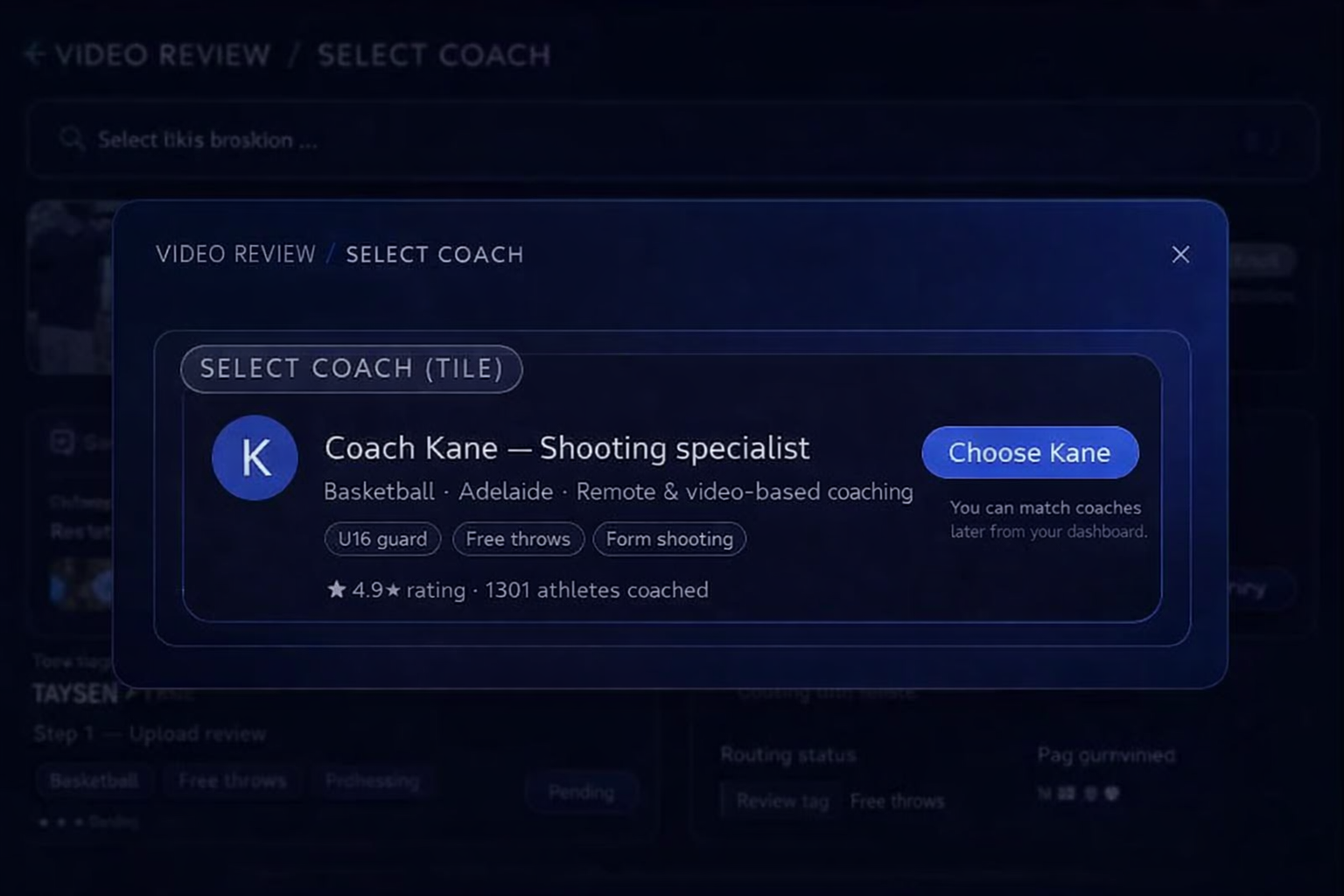
Kane reviews the upload, tags the skill focus, and forwards it to a suitable coach in the program.
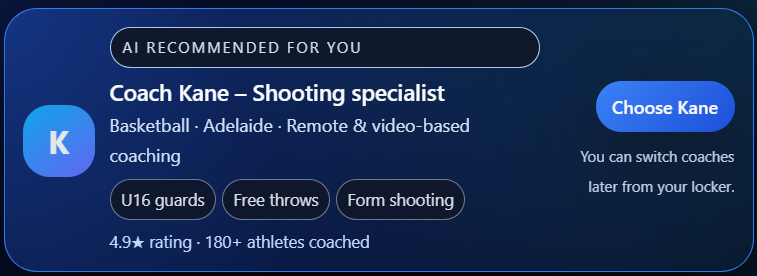
This step now plays your Step 3 video (no AI lines) as the example clip the coach opens.
This step now plays your Step 4 video review (coach voice-over feedback) as the example output.
The athlete sees a clean Session Review page with their video, corrections, and drills for the week.
The athlete returns to the court and practices with the specific adjustments and drills prescribed.
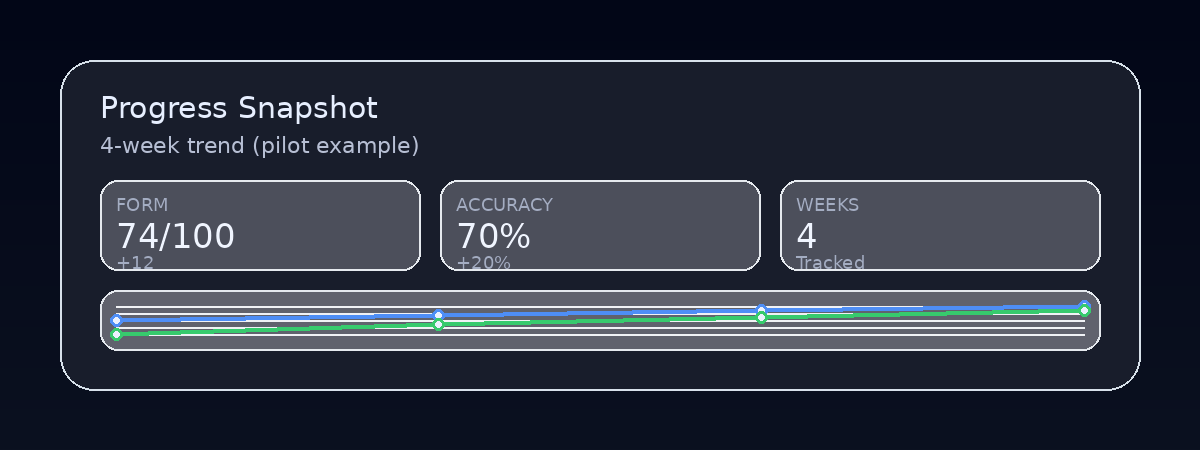
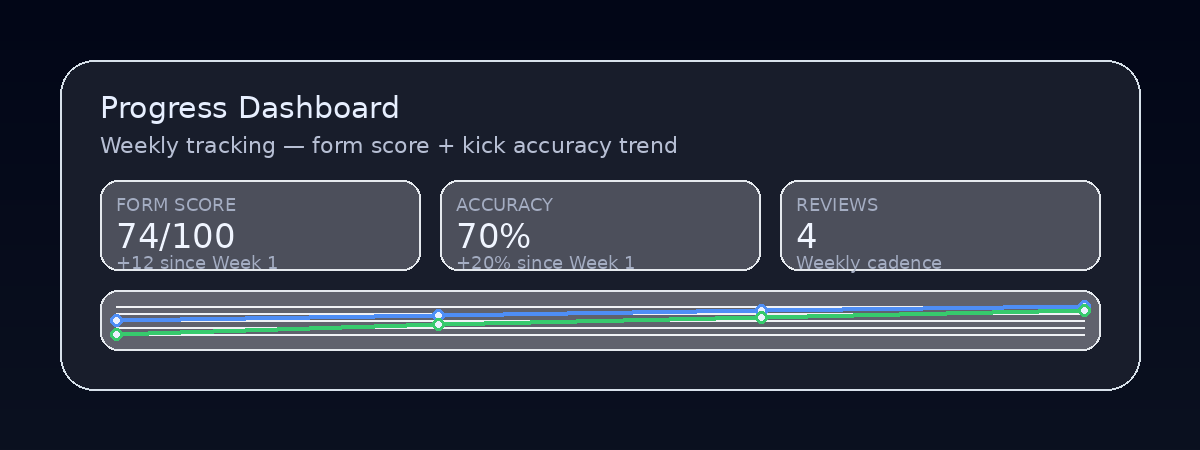
Simple metrics show changes over time – makes improvement visible for athletes, parents and programs.
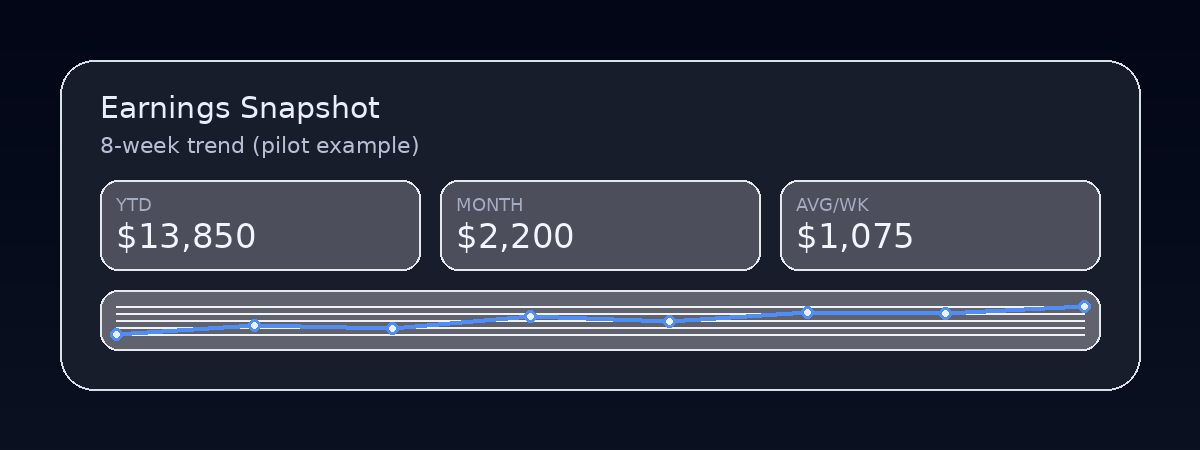
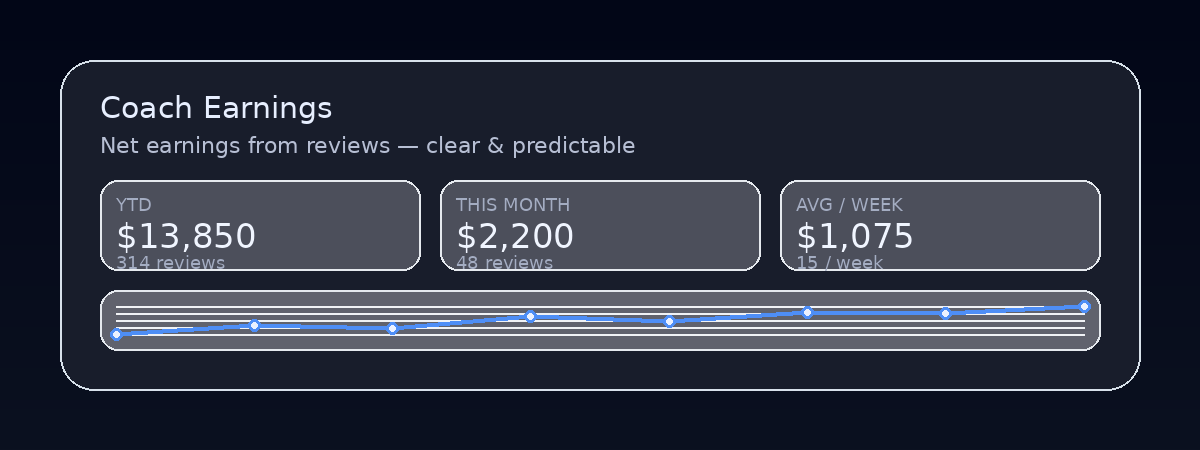
Each review contributes to a transparent, growing income stream for coaches across the season.
Regular check-ins, nudges and updates keep athletes engaged between reviews and across the whole season.
Athlete uploads raw free throw.
This is your real clip from Dropbox, used as the “raw upload” example.
CoachAnywhere routes the clip to a suitable coach.
Uploads are reviewed, tagged by skill focus, and routed to approved coaches to ensure quality, safety, and consistency across the program.
Coach receives clip (Step 3 example).
This is your Step 3 video example (no AI overlays) to show what the coach opens to begin the review.
Coach delivers the video review (real example).
This is your Step 4 output: the coach voice-over feedback video you’ll send back to the athlete.
Athlete receives Session Review.
The athlete sees their personalised Session Review on a simple page: video, corrections, and drills in one place.
Athlete practices adjusted form.
After watching the review, the athlete returns to the court and deliberately practices with the new cues.
Weekly progress tracking.
Simple, high-impact metrics demonstrate improvement for the athlete, family, and program stakeholders.
Coach income stream – example figures.
Every Session Review completed by a coach contributes to a clear income stream, visible at a glance.
Athlete touchpoints – staying in contact.
Beyond formal reviews, athletes receive regular touchpoints that keep them engaged and progressing.